


Why Google Deindexed Your CS-Cart Pages
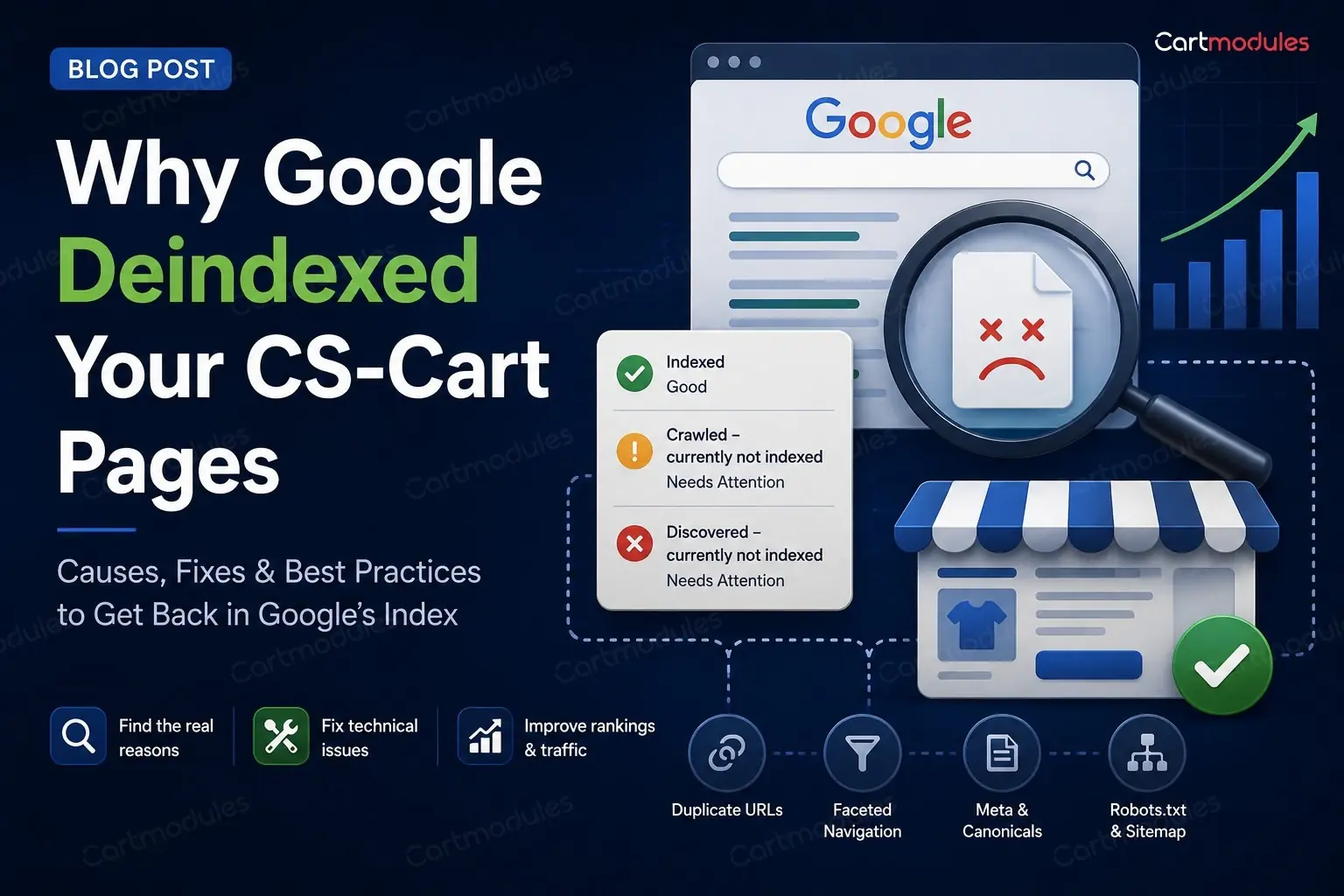
You had five thousand pages indexed. Now you have a few hundred. Or you've got a hundred thousand products and Search Console says a few hundred are indexed. Either way the graph in Search Console goes down and to the right and nobody can tell you why.
One of the most common causes isn't a penalty. It's that your store is generating far more URLs than it has actual pages, and Google has decided most of them aren't worth keeping.
Here's how to find them and what to do.
The problem in one paragraph
A store has a set number of real things: products, categories, a few content pages. But a store makes up an endless number of URLs: every filter combination, every sort order, every search query, every comparison, every session-tagged link. Google crawls what it finds. If most of what it finds is near-identical thin pages, it burns your crawl budget on rubbish, decides the good pages aren't distinguishable from the rubbish, and starts dropping things.
The fix is to make the real pages obvious and the generated ones invisible.
Step 1: find out what's actually indexed
Don't guess. Look.
Search Console ? Pages. Read the "Not indexed" reasons carefully, because they tell you which problem you have:
- "Duplicate without user-selected canonical": Google found several pages it thinks are the same and picked one. Your canonicals aren't doing their job
- "Duplicate, Google chose different canonical than user": you set a canonical and Google overruled it. Usually means your internal linking contradicts your canonical
- "Crawled, currently not indexed": Google crawled the URL but hasn't included it in the index. Thin, duplicate or low-value content can all contribute
- "Discovered, currently not indexed": Google knows the URL exists but hasn't crawled it yet. Often a sign that Google is discovering more URLs than it considers worth crawling, and a strong hint you have too many junk URLs
- "Alternate page with proper canonical tag": this one is fine. Working as intended
Then look at your access logs, filtered to Googlebot. This is the part almost nobody does and it's the most revealing:
grep -i googlebot /var/log/nginx/access.log | awk '{print $7}' | sort | uniq -c | sort -rn | head -50
If Googlebot is spending its time on filter URLs and comparison pages instead of your products, there's your answer in one command.
Step 2: the URLs that shouldn't be indexed
Raw dispatch URLs
CS-Cart has SEO-friendly URLs, but the underlying index.php?dispatch=... form still works. If anything links to it (an old template, an add-on, an email, an external site), you now have two URLs serving one page.
Search for site:yourstore.com inurl:dispatch and see what comes back.
Filter and faceted URLs
The big one for most stores.
Every combination of filters can produce a URL. Colour, size, brand, price range, and any combination of them. Three filters with ten values each is a thousand possible pages, nearly all of them showing a handful of products and near-identical text.
Google doesn't want a thousand versions of your category page. Neither do you.
What to do:
- Canonical filtered pages to the unfiltered category. A page showing "blue shirts under $30" should point its canonical at the shirts category
- Keep the genuinely valuable ones. If "blue shirts" is a real search with real volume and you'd build a landing page for it, let that one index, but treat it as a page with its own copy, not an accidental by-product of a filter
- Block the rest in robots.txt if the volume is enormous. Careful: robots.txt stops crawling, not indexing. A blocked URL that's linked from elsewhere can still appear as a bare result.
noindexis what stops indexing, and fornoindexto be seen, the page must be crawlable. Don't do both to the same URL - Check for parameter order duplication.
?color=blue&size=mand?size=m&color=blueare the same page and two URLs
Sort orders and pagination controls
?sort_by=price, ?sort_by=name, items-per-page switches. Identical content, different order. Canonical them all to the default view.
Search results
Internal search result pages should be noindex. (If search matters to you, an external service like Algolia keeps those results off your own URLs entirely.) They're generated on demand, they're thin, and if anyone links to a search URL you can end up with unlimited indexable pages containing whatever text they searched for. This has been used to attack stores.
Comparison and wishlist pages
Product compare pages are per-visitor and meaningless to a search engine. noindex them. This has a second benefit: comparison URLs are usually excluded from full-page caching, so scrapers crawling them hit PHP directly and can genuinely take a store down.
Gift certificate, checkout and account pages
Anything behind a login or next to one, and anything to do with checkout or payment. noindex the lot.
Step 3: canonical tags
CS-Cart sets canonicals in the obvious places. The gaps are usually:
Products in more than one category. If the same product is reachable at two category paths, both need to canonical to one chosen URL. Pick a primary category per product and be consistent.
Trailing slashes. /category/shoes and /category/shoes/ both returning 200 with different canonicals is a straightforward duplicate. Pick one form, 301 the other, and make every internal link use the chosen one.
www and non-www, http and https. Should be settled by redirects, and often isn't for every path.
Multi-storefront. If several storefronts share a catalogue, make sure each one canonicals within itself and isn't pointing at another storefront's URL.
Absolute, not relative. Canonicals should be full URLs.
The test: view source on a product page reached three different ways: from a category, from search, from a filter. All three should show the same canonical.
Step 4: pagination
Category page 2, 3, 4 and so on.
The old rel="next" and rel="prev" markup is no longer used by Google as an indexing signal. What matters now:
- Paginated pages should be crawlable, so products deep in a category can be found
- Each paginated page should canonical to itself, not to page 1. Canonicalling page 4 to page 1 tells Google the products only on page 4 don't matter
- Don't
noindexpaginated pages if that's the only route to those products - Make sure products are reachable another way too: through your sitemap, and ideally through internal links
The real fix for very deep pagination is better internal linking: sub-categories, curated collections, and related products, so nothing is forty pages deep.
Step 5: Multi-Vendor duplication
Marketplaces have a duplication problem built in.
The same product sold by several vendors. If each vendor's version gets its own URL with the same manufacturer description, you have near-identical pages competing. Options: a single product page listing all sellers (best for SEO, more work), or canonical vendor variants to a primary version.
Vendor storefront pages listing products that also live in categories. Vendor pages are worth having, but they need something of their own (the vendor's own description, policies, location) rather than being a second copy of your category listing.
Manufacturer descriptions. The single most common thin-content problem in any marketplace. If your vendors paste in the manufacturer's copy, so has every other store selling that product. There's no clever technical fix; either the descriptions get rewritten or those pages won't rank.
Step 6: multi-storefront and languages
If you run several storefronts or languages:
hreflangbetween equivalent pages, with a return tag on each side. One-directional hreflang is ignoredx-defaultfor your fallback- Each storefront canonicals to itself
- Don't hreflang between pages that aren't equivalent. A category on one store and the homepage on another isn't a match
- Country stores with the same language (UK and Australia, both English) need hreflang with region codes, or Google will treat them as duplicates
Step 7: your sitemap
Sitemaps are supposed to help. A bad one hurts.
A sitemap should contain only URLs you want indexed: canonical, 200-returning, live pages. Not redirects, not 404s, not noindex pages, not filter URLs.
Things to check:
- Regenerate it on a schedule, so new products appear and deleted ones leave. A sitemap generated once and never updated is a list of 404s
- No URLs that redirect. If a URL in your sitemap 301s, remove it and put the destination in
- No
noindexURLs. Telling Google "index this" and "don't index this" about the same URL is a contradiction it resolves by ignoring you - Split it if it's large. 50,000 URLs per file, with a sitemap index
- Reference it in
robots.txt
Then check it in Search Console: submitted versus indexed. A big gap is your problem, quantified.
Step 8: robots.txt, carefully
The most common self-inflicted SEO wound is a robots.txt copied from somewhere else.
Check yours right now. A Disallow: / left over from a staging site will remove your whole store from search, and it happens more often than you'd believe.
A sensible starting point. Adjust the paths to your actual store, and test before deploying:
``` User-agent: * Disallow: /index.php?dispatch=checkout Disallow: /index.php?dispatch=auth Disallow: /index.php?dispatch=profiles Disallow: /index.php?dispatch=product_features.view Disallow: /?sort_by= Disallow: /?items_per_page= Disallow: /compare Disallow: /?search_query=
Sitemap: https://yourstore.com/sitemap.xml ```
Do not put a Crawl-delay directive in there. Google ignores it, and other crawlers may take it as licence to be very slow indeed.
Remember: robots.txt controls crawling. noindex controls indexing. If you want a page gone from search, it needs to be crawlable and carry noindex. Blocking it in robots.txt means Google can't see the noindex and may keep the URL listed.
A realistic order to fix things
You can't do all of this at once. Roughly by payoff:
- Check robots.txt isn't blocking your store. Two minutes
noindexsearch results, compare, wishlist, checkout and account pages. Removes the largest volume of junk fastest- Canonical filter and sort URLs to their base page. The biggest single win for most stores
- Fix trailing slash and www duplicates with redirects
- Clean the sitemap and set it to regenerate on a schedule
- Fix paginated canonicals so each points at itself
- Multi-vendor duplication and thin manufacturer descriptions. Slowest, and the one that actually decides whether you rank
Then wait. Recovery takes weeks. Google has to recrawl to notice, and the pages you freed up crawl budget for have to be found again. Changing things every few days and watching the graph daily will drive you mad and won't speed it up.
What to measure
- Indexed pages in Search Console: should rise as junk falls away
- Crawl stats: Googlebot requests per day, and what it's spending them on
- The ratio of indexed pages to real pages. If you have 8,000 products and 40,000 indexed URLs, most of what's indexed isn't a product
If your indexed page count has fallen off a cliff and you'd rather someone worked out why, get in touch. Most of the time it's two or three URL patterns generating tens of thousands of pages, and it's a fixable afternoon rather than a mystery.
Common questions
No. There's no penalty in the sense people mean. What happens is more mundane and just as damaging: Google spends its crawl budget on thousands of near-identical filter and sort URLs, decides your real pages aren't distinguishable from the noise, and stops indexing them.
Don't do both to the same URL. robots.txt stops crawling; noindex stops indexing. If you block a URL in robots.txt, Google can't see the noindex on it and may keep the URL listed anyway. For pages you want gone from search, leave them crawlable and use noindex.
Not if that's the only route to those products. Let them stay crawlable and have each page canonical to itself, not to page 1. Pointing page 4 at page 1 tells Google the products only on page 4 don't matter. The real fix for very deep pagination is better internal linking.
Weeks, not days. Google has to recrawl to notice the changes, and the pages you freed up crawl budget for have to be found again. Changing things every few days and watching the graph daily won't speed it up.
Search Console's Pages report, and read the 'Not indexed' reasons rather than the total. 'Discovered, currently not indexed' usually points at more URLs than Google thinks are worth crawling. 'Duplicate without user-selected canonical' means your canonicals aren't working. Then check robots.txt hasn't picked up a Disallow: / from a staging copy.


