


CS-Cart Upgrade Checklist
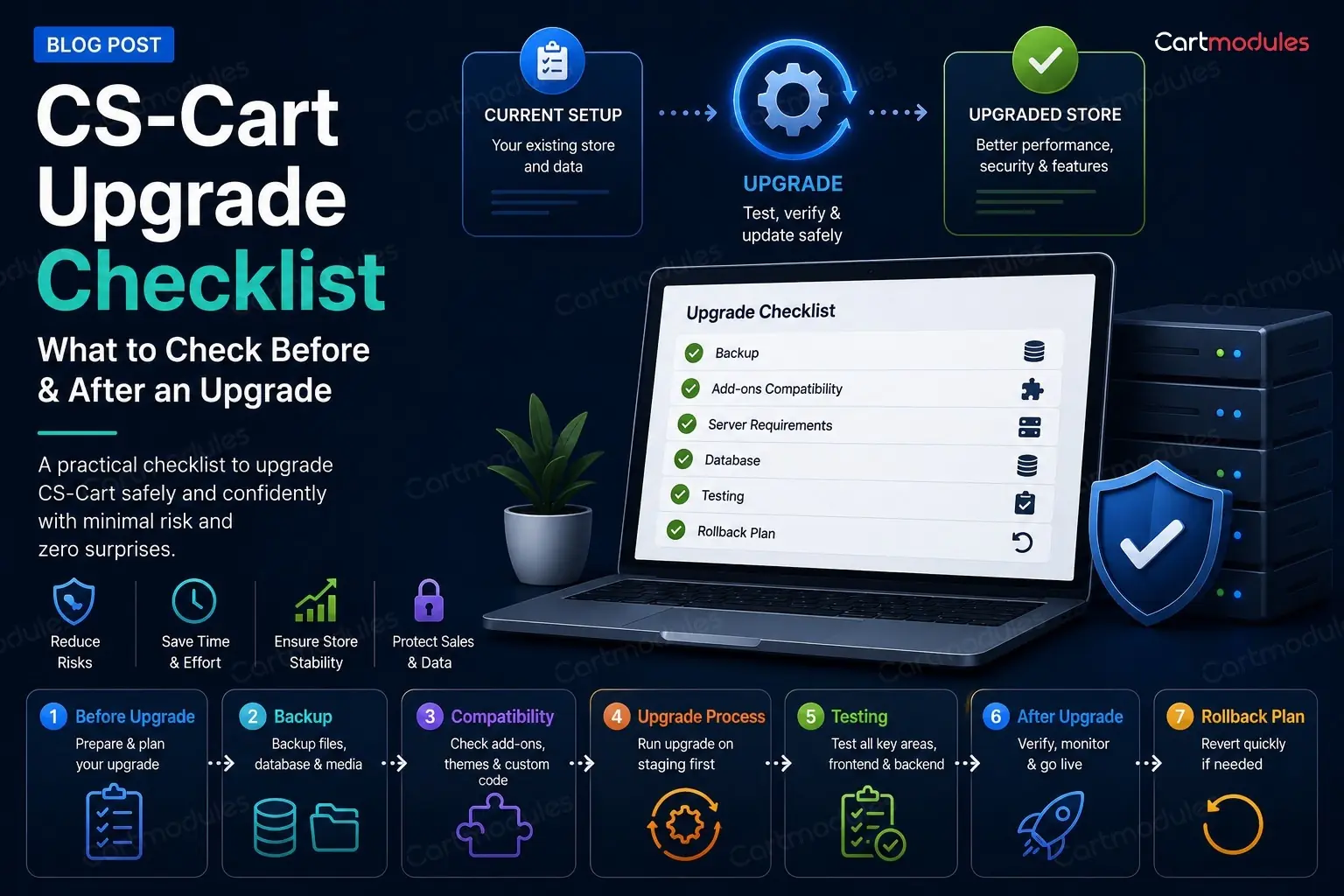
If you're on 4.17 or 4.18, you know you're behind. You've probably also had one upgrade fail already, which is why you haven't tried again.
This is the checklist we work through when we upgrade a client's store. It covers the things the official documentation skips, mostly because they're host problems and add-on problems rather than CS-Cart problems. Those are the ones that actually stop you.
Being two or three versions behind is normal and catchable. Version examples here reflect the release landscape at the time of writing.
Why bother
Fair question, if the store is trading fine.
PHP support. This is the one that forces the issue. Your host will eventually stop offering the PHP version your old CS-Cart needs. When that day comes you'll be doing the upgrade in a hurry, which is the worst way to do it.
Security fixes. Not always announced loudly. They're in there.
Add-ons stop being supported. Vendors build against current versions. The further behind you are, the smaller the pool of add-ons you can buy, and the more likely a fix for your problem is "upgrade first."
Every upgrade you skip makes the next one harder. Going 4.18 to the current release is a manageable job. Going 4.9 to the current release is a rebuild wearing an upgrade costume.
Before you touch anything
Make a real staging copy
Not a backup. A working copy of the store on a separate URL, with its own database and its own files.
"I'll take a backup first" is not a plan. A backup tells you how to get back to broken-but-trading. It doesn't tell you what's going to break, and restoring it under pressure at 11pm with orders coming in is not an experience worth having.
Your staging copy needs:
- The full database, not a trimmed one. Problems show up at scale
- The full file tree, including
var/,images/anddesign/ - The same PHP version as live
- Search engines blocked.
robots.txtwithDisallow: /, and ideally HTTP auth on top. A staging copy that gets indexed will compete with your live store - Payment gateways in test mode. All of them. Check twice
Then upgrade staging first, all the way through, and write down every problem. That list is your runbook for the live upgrade.
Inventory your add-ons and theme
Make an actual list. Every add-on, its version, where it came from, and whether it's still supported.
For each one, answer: does a version exist that supports the CS-Cart version I'm going to?
- Built-in add-ons come with the upgrade. Fine
- Paid third-party add-ons. Check the vendor's listing for the supported version range. (Ours list their supported range on every product page.) If it says 4.18 and you're going to the current release, ask before you upgrade, not after
- Custom add-ons built for you. These need testing, and possibly work. They're written against hooks that can change
- Add-ons from a vendor who has disappeared. Decide now whether you're replacing them or living without them
Your theme is the same question and usually the bigger risk. A heavily customised theme, or a third-party theme that hasn't been updated, is the most common reason an upgrade lands and the site looks wrong. the current release in particular rebuilt parts of the admin, so admin-side theme overrides deserve attention.
Write down which core files have been modified. If a previous developer edited core files directly rather than using add-ons and hooks, the upgrade will either refuse to proceed or overwrite their work. You want to know which, in advance.
Check the boring host stuff
This is where upgrades actually fail, and none of it is in the CS-Cart docs.
Disk space. The upgrade downloads a package, unpacks it, and keeps a copy of what it replaced. Have several gigabytes free, not several hundred megabytes.
Inodes. Run df -i, not just df -h. CS-Cart's cache generates a huge number of tiny files, and shared hosts cap inode counts. You can have plenty of space and still be unable to write a single file. This produces confusing errors that look like permissions problems.
File permissions and ownership. The web server user needs to write to the whole tree during an upgrade. Mixed ownership (some files owned by the web user, some by an FTP user) breaks upgrades halfway, which is the worst place to break.
While you're there: check nothing is world-writable (0666 files, 0777 directories). If you find some, look at config.local.php. If DEFAULT_FILE_PERMISSIONS is set to 0666, CS-Cart will keep creating world-writable files no matter how many times you fix them. Fix the constant, not the files.
PHP version, memory limit and max execution time. Check the target CS-Cart version's requirements. Raise memory_limit and max_execution_time for the upgrade. An upgrade that hits the execution limit halfway through leaves a store in a genuinely awkward state.
Your firewall. More on this below, because it's the one that caught us out badly.
The upgrade itself
Upgrade one version at a time, in order. Don't try to jump. Each step is a separate upgrade with its own migrations, and going in order is how the migrations were designed to run.
A realistic chain from 4.18.1 to the current release looks like: 4.18.2 ? 4.18.2.SP1 ? 4.18.3 ? 4.18.4 ? 4.19.1 ? 4.19.1.SP1 ? 4.19.1.SP2 ? the current release. That's eight steps, and each one wants checking before the next.
Put the store in maintenance mode. Take a database dump immediately before each step, not just at the start.
The errors you're most likely to see
"Validator 'Restore' returned fail status" / "Unable to prepare restore script."
This message is misleading, and it cost us a lot of time to get to the bottom of.
The Restore validator itself only checks that a restore script exists. The real failure is usually further along: CS-Cart writes the restore script, then fetches it back over HTTPS from your own site and expects a specific response. If anything interferes with that request, the upgrade aborts with this error.
On one cPanel host, the cause was mod_security rejecting any request with an empty or unusual user agent. CS-Cart's HTTP client sends no user agent by default, so its own request to its own site was being blocked with a 406. Permissions, disk space, ownership: every check we could think of looked perfect, because none of them were the problem.
Before theorising about permissions, read var/upgrade/core_log.txt. It logs each step with real paths and real reasons. The answer is almost always in there and it's much faster than guessing.
If you hit this, the clean fix is disabling ModSecurity for your domain in your host's control panel. If your host won't, you'll need someone who can work around it. Note that dropping an .htaccess with SecRuleEngine Off does not work on most cPanel hosts, which forbid that directive and return a 500.
The progress bar stalls on "Copy Files: app".
Usually disk space, inodes, or a permissions problem partway through the tree. Check df -h, df -i, and ownership consistency. Sometimes it's the execution time limit.
A missing phinxlog table, or migrations that don't run.
Migrations track what's already been applied. If that tracking is missing or out of step, often because of a restore from a partial backup, migrations either re-run or skip. Restore your pre-upgrade dump and start that step again rather than trying to patch it live.
Blank page after a successful upgrade.
Suspect a broken core file before you suspect the cache. We had a case where an upgrade completed and reported success, but left App.php with a PHP parse error: a block comment had swallowed a closing brace, so the class never closed. The Upgrade Center rendered as a blank white page.
Check your PHP error log first. If you can't find it, remember that on PHP-FPM the php.ini in your document root is ignored. You need .user.ini or the real ini path.
The fix in that case was to run the next upgrade, which replaced the file.
Add-on templates missing after the upgrade.
Usually a theme migration issue: the add-on's templates live in the old theme's directory and didn't move. This is why theme migrations and version upgrades should be separate jobs, not one.
The collisions warning
At some point the upgrade will tell you that modified core files conflict with the update, and offer to proceed anyway.
Read the list before you click. Every file on it is a change someone made deliberately, and proceeding overwrites it. If you don't know what those changes were, find out now. That's a customisation that will silently vanish and reappear as a bug report next week.
If you override the collision check (sometimes you have to), write down every file it overwrote, and test those areas specifically afterwards.
Testing afterwards, in order
Test in the order that money flows, not the order the menu is in.
- Checkout, end to end, with a real payment method in test mode. Every gateway you accept. This is the only test that genuinely matters
- Add to cart, quantities, options, variants
- Customer registration and login, including social and OTP logins if you use them
- Order emails. Confirmation, shipping, password reset. Check they send and check they look right
- The admin order screen. Create, edit, change status, refund
- Search and category filters
- Every custom add-on, one at a time
- Vendor panel, if you're on Multi-Vendor
- Shipping rate calculation, especially live carrier lookups
- Mobile. Both storefront and admin
- Anything on a cron. The upgrade may have changed paths
Then clear every cache: var/cache, Redis if you use it, and your opcode cache.
Rolling back
Decide the rollback plan before you start, and make sure it's real.
You need the database dump from immediately before the step that failed, and a file-level copy of the tree. Both. A database restore against upgraded files gives you a broken store in a new and interesting way.
Know how long a restore takes on your data. If it's an hour, that's an hour of downtime you need to have planned for.
And be honest about when to stop. If you've been at it for hours and each fix reveals another problem, restoring and getting help on a weekday is a better outcome than pushing on.
When a rebuild is cheaper than an upgrade
Sometimes it is, and a good developer will tell you.
Signs:
- Core files were edited directly, extensively, and nobody documented it
- Your theme is heavily customised and its vendor is gone
- Several paid add-ons are unsupported and would each need replacing
- You're more than four or five versions behind
- The store was migrated from another platform and never fully cleaned up
At that point you're not upgrading a store, you're archaeology. A clean build on the current version, with data migrated across, can cost less and leaves you somewhere you can maintain.
The short checklist
Before - [ ] Working staging copy, search engines blocked, payments in test mode - [ ] Add-on and theme inventory with version compatibility confirmed - [ ] List of modified core files - [ ] Disk space and inodes checked - [ ] File ownership consistent, permissions sane - [ ] PHP version, memory limit, execution time raised - [ ] Firewall / ModSecurity checked for loopback requests - [ ] Rollback plan tested, not assumed
During
- [ ] Maintenance mode on
- [ ] Database dump before each step
- [ ] One version at a time, in order
- [ ] var/upgrade/core_log.txt open when anything fails
- [ ] Collision list read before overriding
After - [ ] Checkout tested with every payment method - [ ] Order emails sending and correct - [ ] Custom add-ons tested individually - [ ] Crons still running - [ ] All caches cleared - [ ] Mobile checked
If you read that and thought "I'd rather someone else did this", that's a completely reasonable conclusion, and it's a service we offer. We upgrade CS-Cart stores, including the awkward ones with custom add-ons and modified core files, and we'll tell you honestly if yours is a rebuild rather than an upgrade.
Talk to us about your upgrade.
Common questions
Some will, some need a newer version, and some are dead because the vendor has disappeared. Make the list before you start rather than finding out halfway. Built-in add-ons come with the upgrade; paid third-party ones need their supported version range checked; custom ones need testing because they're written against hooks that can change.
No. Each release has its own migrations, and they're designed to run in order. Going from 4.18.1 to the current release is roughly eight separate steps. Trying to jump is how stores end up with a half-migrated database.
Only during the live run, if you've rehearsed on staging first. That's the whole reason for the staging copy. Every problem you'll hit gets found and solved while the real store keeps trading, so the live run is short and predictable.
Restore the database dump you took immediately before that step, along with a file-level copy of the tree. You need both. A database restore against upgraded files leaves you broken in a new way. Then read var/upgrade/core_log.txt before theorising, because the real reason is almost always in there.
When core files were edited extensively and undocumented, your theme's vendor is gone, several paid add-ons are unsupported, or you're more than four or five versions behind. At that point you're doing archaeology, and a clean build on the current version with data migrated across often costs less.


